Introduction

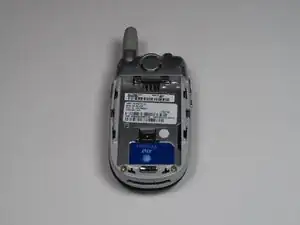
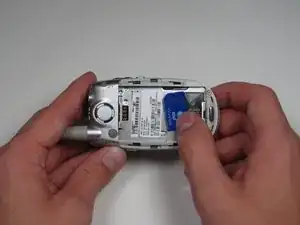
The SIM card lies behind the battery.

  1. 2svKcraqZVtTgbW6
    2svKcraqZVtTgbW6
    OduWAbXLVyaHuENv
    xOLn5aKaP5DfCj5I
    • Push down on the silver button while sliding the back plate down to reveal the battery.

  2. P364auIDATUUMEJf
    P364auIDATUUMEJf
    bgowepgMkhccTRY2
    • Grab the lower edge of battery at the black areas and pull upward on the edges to remove it.

  3. Xbh4sHTDiVOGnIa2
    Xbh4sHTDiVOGnIa2
    lwNtPlq3hasOryJv
    trynomSINJesIKQO
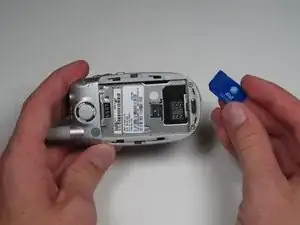
    • Move the the metal slider towards the top of the phone until it clicks out of its original position.

    • Slide out and remove the SIM card.

Conclusion

To reassemble your device, follow these instructions in reverse order.

Alex Georges

Member since: 02/10/10

40 Reputation

0 comments