
Introduction
Read through this guide if you are experiencing problems regarding your Asus MeMO Pad HD 8 ME180A's battery.


-
-
Use a plastic opening tool to separate the back half from the front half.
-
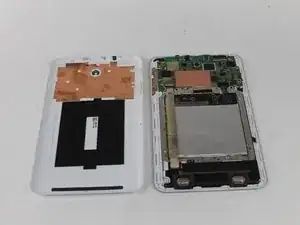
Pull the back panel away from the device.
-
-
-
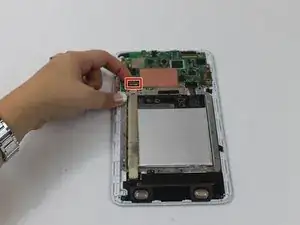
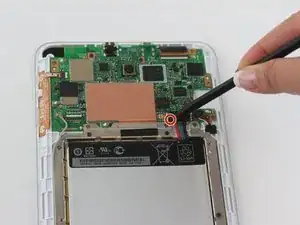
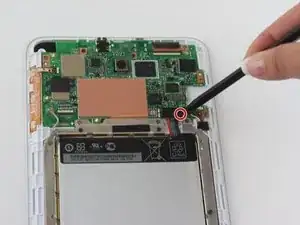
Using your spudger, press down on the two spots shown in order to release the cables.
-
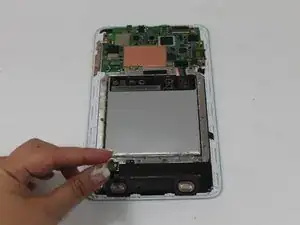
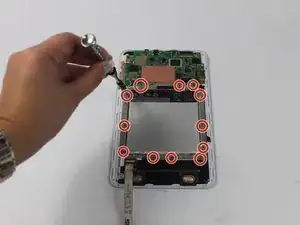
Ensure that the touchscreen cables are fully disconnected.
-




Conclusion
To reassemble your device, follow these instructions in reverse order.
